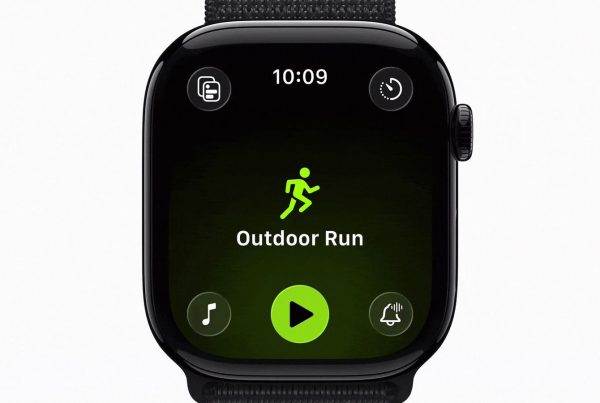

If you are trying to figure out how to add Android friends in Apple Fitness, the short answer is: you cannot. Apple Fitness sharing is built for Apple devices, and while it is useful inside the Apple ecosystem, it does not support a true Android friend experience. That means you can share rings, see highlights, and send encouragement, but only with people using compatible Apple hardware.
What Apple Fitness Is Missing
Apple Fitness sharing is useful, but it does not create the kind of social fitness culture many users want. There is no rich leaderboard experience, no route sharing, no photo sharing, and very limited interaction depth. You can see progress, but you cannot really build a lively community around it.
That means the social layer is mostly passive. It shows you what your friends did, but it does not give you enough tools to turn that visibility into a game, a challenge, or a shared ritual.
If your goal is to build a true accountability circle, that is a missed opportunity.
Fito Goes Further with Social Motivation
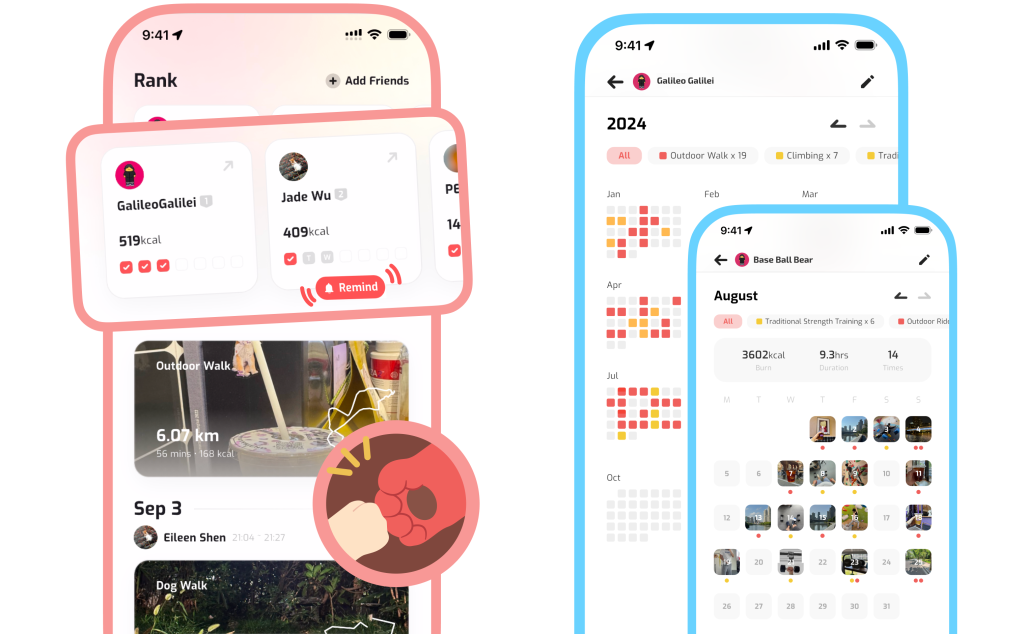
Fito is built to make fitness social in a much more playful and interactive way. Instead of only showing a small activity summary, Fito lets you share more of the experience itself.
With Fito, you can share:
- Workout records
- Routes and movement history
- Photos from your fitness journey
- Progress that shows up in a more visual, engaging way
You can also compete on leaderboards, like your friends’ workouts, and send funny nudges to keep each other moving. That gives social fitness a much stronger sense of personality and momentum.
Why This Feels Better Than a Basic Share Sheet
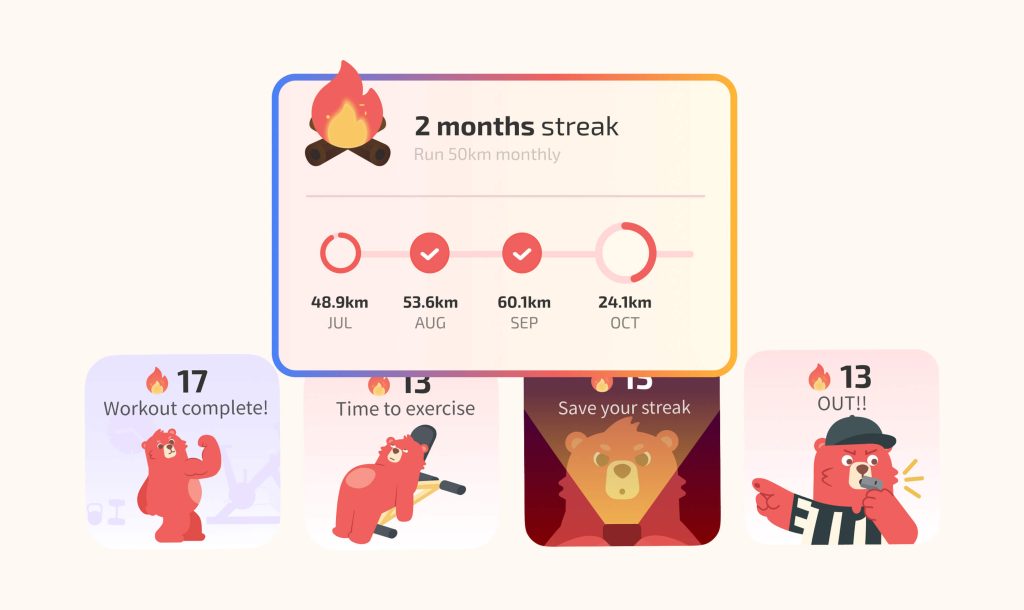
The key difference is that Fito makes social motivation feel active, not passive. Instead of simply seeing that a friend completed a workout, you can react, compare, and participate. Instead of ignoring a generic notification, you see a fun UI that makes the experience feel lighter and easier to care about.
That matters because accountability works best when it is enjoyable. If checking in with friends feels awkward or boring, people stop doing it. If it feels playful, visual, and low-pressure, it becomes part of the routine.
Fito is designed with that exact idea in mind. The app turns social fitness into a small daily game: show up, log the effort, get some social feedback, and keep the streak going.
How to Think About Apple Fitness vs Fito
If all you want is a simple Apple Fitness sharing experience, the native tools are fine. You can invite friends, see ring progress, and send a basic nudge.
But if you want something that feels more like a true social fitness network, Fito gives you more room to play. It is better suited for people who want:
- Cross-friend motivation
- More interactive sharing
- Community-like competition
- Visual and funny social cues
- Better long-term accountability
So if you came here asking how to add Android friends in Apple Fitness, the honest answer is that Apple Fitness is not the right tool for that job. Fito is a better fit if you want social fitness that feels more open, more interactive, and more fun.
Final Thoughts
Apple Fitness sharing is useful inside the Apple ecosystem, but it is limited. You can see rings, get notifications, and send a few quick encouragements, yet the experience does not really turn into a lively community. It also does not solve the Android friend problem.
Fito goes further by making social motivation more visual, more playful, and more interactive. If you want to compete, share, like, and nudge friends in a way that feels easy and fun, Fito is the more complete option.